
Understanding Domain Names: Definition and Examples
A web domain is your website’s digital address. Learn its types and importance, and see how Alberon can help you manage it securely and efficiently.
Want to make your Microsoft 365 work harder for your business?
and we’ll tailor a solution that’s just right for you.
Have you ever seen someone type in a web address only to find it no longer exists? That simple moment shows just how important a domain name really is. Your domain is your digital address, and without it, no one can find you. It’s the bedrock of your online presence and credibility.
There are approximately 11.1 million websites registered under the .co.uk domain. So how do you make sure you’re choosing the right one? In this blog, we’ll explore what the web domain is and why it plays a crucial role in your online identity. Read along to learn practical tips and best practices to choose wisely and truly stand apart.
At A Glance
- A domain name refers to your website’s unique address, helping users easily find and access you.
- Domains have different types and extensions, each serving distinct roles for businesses and individuals.
- Choosing the right domain improves visibility, builds trust, and supports your brand’s long-term success.
- Domains must be registered, renewed, and protected to maintain ownership and prevent security risks.
- Web hosting and domains work together, ensuring websites remain accessible, fast, and reliable for users.
What Is The Web Domain?
A domain name is your website’s address on the internet. It’s what people type into their browser to reach your business online. While it may look like just a string of letters, it is a key part of your online identity. The right domain helps your brand stand out, supports discoverability, and ensures your clients find the right place every time.
Domain Structure
Every domain follows a clear hierarchy managed by the Domain Name System (DNS). A complete domain, called a fully qualified domain name (FQDN), shows exactly where a computer or server sits in this system.
For example, in server123.mydomain.com, “server123” is the host, and “mydomain.com” is your domain. For websites, www is usually the host, like www.example.com. Behind the scenes, name servers translate your domain into an IP address, guiding visitors to your web server.
Domain Name Extensions
The extension at the end of a domain, such as .com, .org, or .net, signals its purpose or location. You can also use country-specific options like .uk or .ca if your audience is regional. Choosing the right extension not only reflects your business type but also builds credibility. For instance, a local company might select .biz, while a charity could go with .org.
So now that you know what the web domain is, let’s look at why it matters for your organisation.
What Is The Purpose Of A Domain For Your Business?
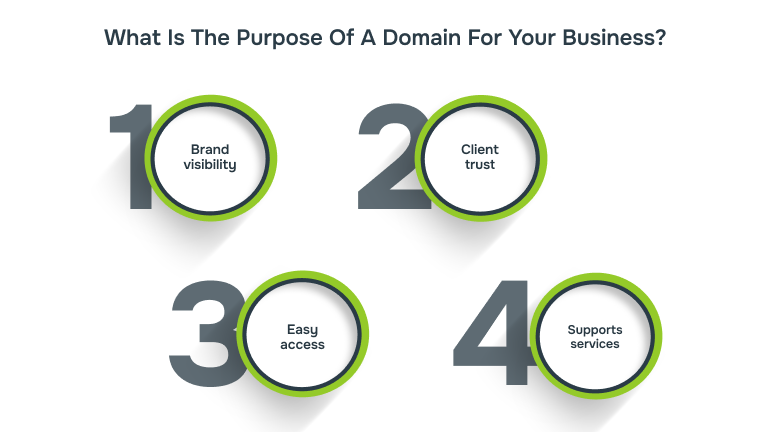
A domain is your business’s primary online identifier and the first point of contact for customers and partners. A customised domain allows you to create branded email addresses and ensures your website looks credible from the first click.
Why it matters:
- Brand visibility: A unique domain reinforces your company’s identity.
- Client trust: A professional domain signals reliability and legitimacy.
- Easy access: Your clients can reach you quickly and directly.
- Supports services: Enables email addresses and website hosting tied to your brand.
Now, you might be wondering, if a domain takes people to your site, isn’t it the same as a website? Not quite.
How Is A Domain Different From A Website?
It’s easy to confuse a domain with a website, but they are different. Your domain is the address, while the website is the building at that address. You need a domain for your website to be found, but registering a domain doesn’t automatically give you a website.
| Aspect | Domain Name | Website |
| Function | Directs visitors to your online location | Hosts files, content, and services |
| Purpose | Makes your business easy to find | Provides information or tools for your audience |
| Requirement | Must register to be accessible | Optional until you build and host content |
| Ownership | Registered through a domain provider | Created and maintained via a hosting platform |
Before you start building your site, you first register a domain and arrange hosting. Once set up, your domain takes users straight to your site. From there, you can explore the different types of domains available.
What Are The Types Of Domain Names?
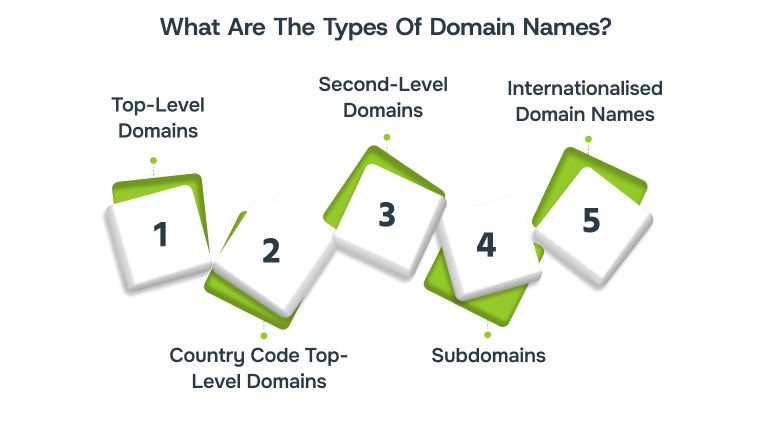
Different domain types serve different purposes and influence how people find your organisation online. Understanding these can help you decide which format best fits your organisation’s goals:
1. Top-Level Domains (TLDs)
Top-level domains (TLDs) appear at the end of a web address and clearly signal the domain’s main purpose or category. Common examples are .com, .org and .net, while newer TLDs such as .app and .studio point to specific sectors generally.
2. Country Code Top-Level Domains (ccTLDs)
Country code TLDs (ccTLDs) use two-letter endings to indicate national focus, for example, .uk or .de. They help if you target customers in a specific country, by signalling regional presence and often improving local search relevance and user trust.
3. Second-Level Domains (SLDs)
Second-level domains (SLDs) sit immediately before the TLD and usually carry your chosen name or brand identifier for public use. In some country formats, an extra level appears, such as co in co.uk, which can affect registration rules and pricing.
4. Subdomains
Subdomains create separate sections under your main domain, allowing functions like blog.yoursite.com or shop.yoursite.com without extra registrations needed. They help you organise services, target specific audiences, and offer regionally tailored content while keeping the main domain consistent online.
5. Internationalised Domain Names (IDNs)
Internationalised Domain Names (IDNs) let you use non-Latin characters, for example, accented letters or scripts such as Cyrillic or Arabic, to address local audiences. They make web addresses more accessible and culturally appropriate for users who do not use the Latin alphabet.
While extensions and structures vary, every domain follows the same process to ensure users reach the right online destination. Let’s see how it works.
How Does A Domain Function?
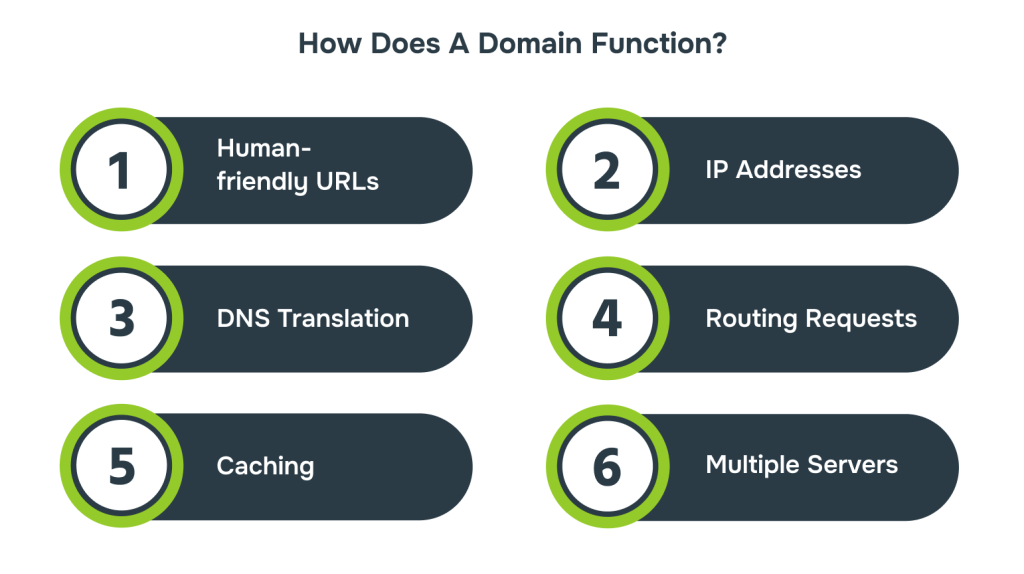
Domains may appear simple, but they rely on a structured system to direct users efficiently. The Domain Name System (DNS) acts like a GPS, translating human-friendly names into numerical IP addresses that computers use. Here’s the process:
- Human-friendly URLs: Domains like example.com are simple to recall, replacing complicated strings of numbers with recognisable names.
- IP Addresses: Each website has a unique number, much like a property’s street address, for clear identification.
- DNS Translation: The Domain Name System works as a translator, turning user-friendly names into matching numerical IP addresses.
- Routing Requests: After translation, the system directs the browser to the right server, ensuring fast and accurate loading.
- Caching: Regularly accessed domain details are temporarily saved on your device or network, speeding up repeat visits.
- Multiple Servers: Large websites may split content across several servers, with DNS balancing traffic for reliability and performance.
Beyond the technical process, a carefully chosen domain plays a key role in shaping perceptions of your business.
Importance Of Choosing The Right Domain Name
Your domain name does more than point people to your website. It also affects how easily they remember you, how professional you appear, and how visible you are in search results. A poor choice can confuse clients or make your business harder to find.
For example, if you are a UK-based education provider offering online training, you could choose learnsmart.co.uk over something lengthy like learnsmart-education-services-online.co.uk. The shorter version is cleaner, easier to recall, and signals both relevance and credibility to a UK audience.
Additional tips:
- Avoid numbers, hyphens, and confusing spellings.
- Secure close variations or common typos to protect your brand.
- Choose an extension that fits your audience and industry.
- Check availability on social media for consistency across platforms.
After narrowing down your choice, the next step is to know how you can officially secure your domain.

How To Register A Domain Name?
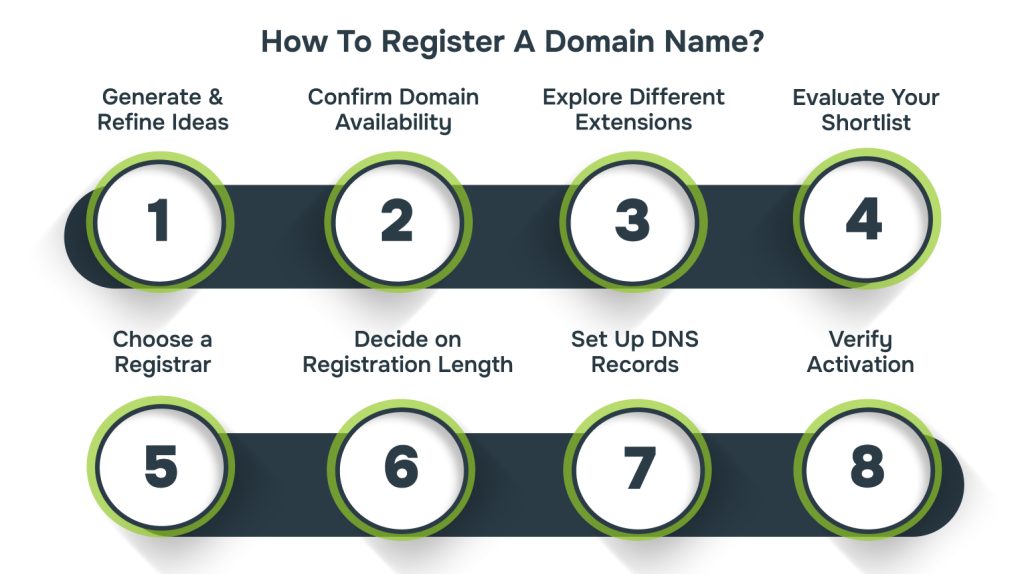
Registering a domain may feel technical at first, but it’s actually a simple process when broken into steps. Here’s how you can secure your online identity:
Step 1: Generate and Refine Ideas
Start by jotting down names that capture your brand’s personality. Keep them short, easy to say, and avoid tricky spellings. Check trademarks early so you don’t run into legal issues later.
Step 2: Confirm Domain Availability
Use a registrar’s search bar to see if your preferred name is open for use. If it’s taken, tweak the spelling slightly or test other endings until you find something suitable.
Step 3: Explore Different Extensions
Don’t feel locked into just .com. Extensions now include everything from .online to .design, giving you more freedom to match your domain with your industry or audience.
Step 4: Evaluate Your Shortlist
Once you have options, check for clarity. Make sure the words don’t look confusing when joined together, and ensure it’s simple enough for people to remember without mistakes.
Step 5: Choose a Registrar
Pick an accredited domain registrar to purchase through. You’ll need to provide some personal or business details, and the registrar will handle the technical side of setting it up for you.
Step 6: Decide on Registration Length
Most domains are bought for one year at a time, but longer terms are usually available. Multi-year plans can reduce renewal stress and sometimes offer cost savings.
Step 7: Set Up DNS Records
Your domain won’t connect to your site until DNS is configured. Thankfully, most registrars provide step-by-step guides so you can easily link your name to your hosting.
Step 8: Verify Activation
It may take a few hours for everything to sync across the internet. Test by typing your new domain into a browser; if it loads your site, you’re good to go.
Looking for a trusted hosting solution for your registered domain? Alberon’s managed web hosting keeps your site secure, fast, and always accessible. Contact us today!
What Happens When a Domain Name Expires?
When a domain name expires, the website, email, and any connected services immediately stop working. This means customers can no longer access your site, and emails sent to your domain will bounce. You won’t be able to make updates or changes while it’s inactive.
Most registries allow a redemption grace period (RGP), usually around 30 days, where you can renew your domain at the normal cost. If you miss that window, some registrars extend the grace period but may charge additional fees. After that, your domain could be released back to the public, putting your brand identity at risk.
To avoid disruption:
- Enable auto-renewal in your registrar dashboard to renew automatically each year.
- Add calendar reminders so you never miss a renewal, even if auto-renewal fails.
- Keep contact details updated so renewal notifications reach your active email address.
Renewal keeps your domain safe, but what if you prefer switching providers instead? That’s where knowing the domain transfer process helps.
How Do Domain Transfers Work?
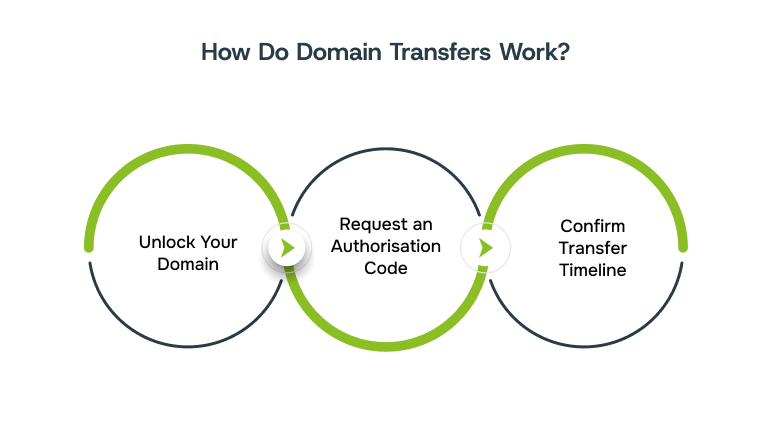
There may come a time when you want to move your domain to another registrar for better pricing, customer service, or additional features. While the process is fairly straightforward, it does require a few important steps:
- Unlock Your Domain: Before initiating the transfer, adjust your current registrar settings to remove any transfer locks.
- Request an Authorisation Code: This unique EPP code proves ownership and is required by the new registrar.
- Confirm Transfer Timeline: Transfers typically take up to seven days to complete, so plan for potential downtime.
Whether you keep your domain with one provider or move it elsewhere, protecting its privacy is just as important.
Securing Your Domain With Privacy Protection
Registering a domain automatically adds your personal details (phone number and address) to the public WHOIS database. Without protection, these details can be accessed by marketers or even cybercriminals.
Domain privacy services mask this information, displaying generic details instead of your own. This simple step helps keep your inbox cleaner, reduces spam calls, and safeguards your identity.
Beyond privacy, adding an SSL certificate is essential for website security. It encrypts data exchanged between your site and visitors, ensuring sensitive details like login credentials or payment information remain secure. Plus, it gives your site the trusted padlock icon and can boost search rankings.
Beyond privacy, domain management also needs proactive steps to keep your site reliable.
Best Practices For Managing Your Domain Effectively
Owning a domain is much more than just registering it. You need to manage it carefully to ensure it remains accessible, secure, and ready for long-term success.
- Regular Monitoring: Keep an eye on domain health and security alerts to avoid unexpected downtime.
- Use Backup DNS: A secondary DNS ensures your site remains online if your main provider fails.
- Domain Forwarding: Redirect multiple domain variations to one main site for stronger branding.
- Organise with Subdomains: Separate sections like shop.example.com or blog.example.com for better navigation and structure.
From Domain to Website: How Alberon Keeps You Secure
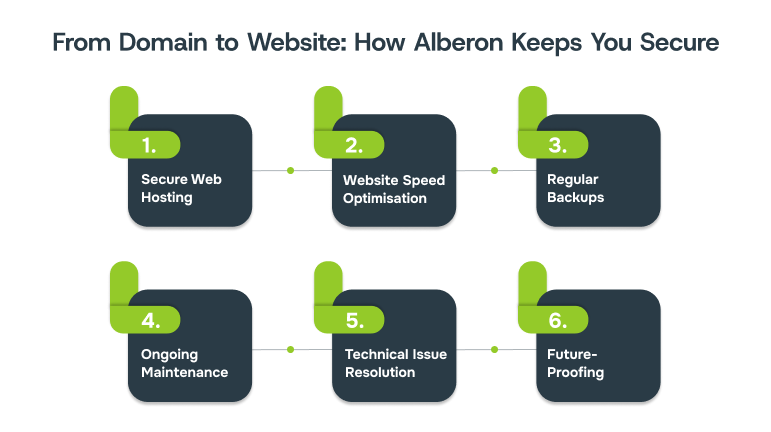
Registering a domain is just the first step in establishing your online presence. To keep your site fast, secure, and available to customers, you need reliable hosting and ongoing support. That’s where Alberon can help.
Our Oxford-based team helps businesses turn a domain into a strong, dependable digital presence by offering:
- Secure Web Hosting: SSL encryption, 24/7 monitoring, and strong password protection keep your domain and data safe.
- Website Speed Optimisation: Fewer sites per server and regular performance reviews ensure fast, reliable loading for your visitors.
- Regular Backups: Daily backups with quick recovery options protect your domain-linked website from unexpected failures.
- Ongoing Maintenance: Updates, testing, and proactive monitoring keep everything running smoothly.
- Technical Issue Resolution: Fast problem-solving minimises interruptions that could affect access to your domain or website.
- Future-Proofing: Regular updates and scalable solutions ensure your domain-linked platform grows alongside your business needs.
By managing the technical side, Alberon frees you to focus on growing your business, knowing your online presence is always in safe hands.

Bottom Line
Understanding what is the web domain is essential for building a strong online foundation. It acts as the first touchpoint for many customers, shaping how your brand is perceived online. The right domain enhances trust, improves discoverability, and ensures your website remains accessible and relevant as your business grows. Choosing wisely today means fewer limitations tomorrow.
Alberon supports businesses with secure hosting, reliable backups, and proactive domain care. Book a demo today to explore how we can keep your domain safe and resilient.
FAQ’s
- How do I find my website domain?
You can find your website domain by checking your hosting provider’s account or the domain registrar dashboard. Simply log in, and your registered domain name will be listed under your active services. - Is your domain name your URL?
A domain name is part of your URL, but not the entire address. The URL also includes additional elements like the protocol (https://) and specific page paths. - What is a domain used for?
A domain is used to give websites an easy-to-remember address instead of long numeric IPs. It helps users access websites quickly and establishes a recognisable online identity for businesses. - Is the domain name part of your Internet address?
Yes, the domain name forms a key part of your internet address. It directs users to your website’s location on the web, making navigation simple and user-friendly.
Ready to Improve your Business Productivity
Get a trusted partner to navigate your digital transformation. With Alberon, you can ensure a smooth transition, clear communication, and peace of mind.