
What Is A Footer On A Website?
Understand the importance of website footers and optimise yours for better navigation. Explore how Alberon supports custom web solutions.
Want to make your Microsoft 365 work harder for your business?
and we’ll tailor a solution that’s just right for you.
Ever wondered what visitors see when they reach the bottom of your website? If you secretly said no, you are not alone! That space, a.k.a the footer, can influence how professional, trustworthy, and accessible your business appears.
Far from being a filler, a well-designed footer supports usability, compliance, and credibility. So how do you create one that works?
In this blog, we explore the role of a website footer and why it matters for a business. Follow it to learn exactly how to design a footer that strengthens trust and usability for your audience.
Quick Overview:
- A footer sits at the bottom of a website, providing consistent information across all pages.
- It improves navigation, user trust, and accessibility while reinforcing your website’s professional appearance.
- Footers typically include contact details, legal notices, navigation links, and social media icons.
- Effective footers balance clear layout, responsive design, and visual consistency with the overall website style.
- Avoid clutter, irrelevant content, and overloading links to maintain usability and enhance visitor experience.
What Is A Footer, And Where Is It Located?
A footer is the section at the very bottom of a website page, visible once a visitor has scrolled to the end. It appears consistently across all pages, giving users a familiar space to find key information.
Although it might seem secondary to the main content, a footer holds significant value. Visitors who reach this area are often looking for extra details, making it an ideal spot for useful links and resources.
In web design, the footer is more than a finishing touch. It signals the end of the page while still offering relevant content that supports navigation, engagement, and credibility.
What Is The Purpose Of A Footer?
A footer brings together information that remains useful across multiple pages. This can include contact details, navigation shortcuts, legal notices, or social media links. By providing consistent access to these details, a footer helps users engage with your website more effectively while maintaining the professional look of your site.
How Does A Footer Differ From A Header?
The header and footer serve different roles on a webpage. While the header introduces the page and guides navigation, the footer concludes the page and offers supplementary information.
| Feature | Header | Footer |
| Location | Positioned at the top of the page | Positioned at the bottom of the page |
| Typical Content | Contains logo, site title, primary navigation | Contains secondary navigation, legal notices, & additional links |
| Main Purpose | Guides users through the main content | Provides closure and extra resources |
Why Is A Footer Important For Your Webpage?
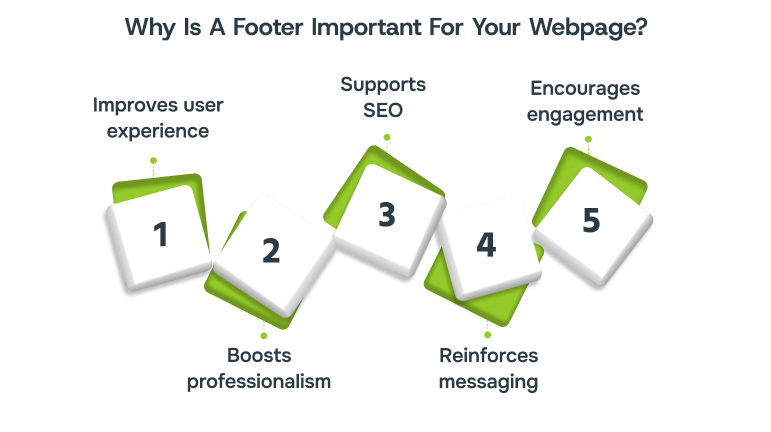
A footer may look simple, but it greatly enhances usability and leaves a lasting impression on visitors. Without a footer, a web page may end abruptly, leaving visitors without direction. Here are some top benefits:
- Improves user experience: A footer helps visitors quickly access support pages, key product information, or contact details without scrolling back, reducing frustration and improving navigation.
- Boosts professionalism: Including legal notices, copyright information, and clear navigation in the footer signals a well-maintained, trustworthy website and strengthens brand credibility.
- Supports SEO: Naturally placed internal links in the footer help search engines understand your site’s structure. This boosts page indexing and ensures relevant content reaches interested visitors organically.
- Reinforces messaging: Footers provide a final opportunity to highlight key services, brand values, or updates, leaving visitors with a clear sense of your organisation.
- Encourages engagement: Linking to related articles, case studies, or social media channels in the footer keeps visitors exploring your site longer, increasing enquiries or conversions.
What Should You Include In A Footer?
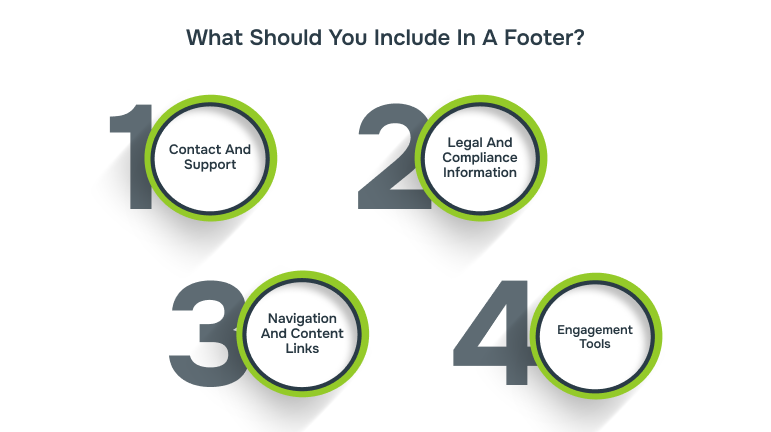
A footer works best when it offers practical, concise information. Including the right elements ensures users can access key details quickly and confidently. Here are the main categories to consider:
Contact And Support
Footers provide visitors with key ways to contact your organisation or access support quickly, enhancing usability and building trust.
- Direct contact details: Include email addresses, phone numbers, and business hours so users can reach you quickly and without navigating away from the current page.
- Help and FAQs: Provide links to support pages or frequently asked questions, helping visitors solve common issues efficiently and reducing potential frustration or unnecessary enquiries.
- Location and maps: If you have physical offices or stores, embed a map and include opening times, so users can plan visits and find your location easily.
Legal And Compliance Information
Footers display essential legal information consistently, ensuring all pages meet requirements and build visitor trust.
- Privacy and terms: Display privacy policies, cookie notices, and terms and conditions on every page for compliance, reassuring users about responsible data handling.
- Copyright statement: Include a visible copyright notice to protect your content, enhance professionalism, and show that your organisation manages its website carefully and responsibly.
- Trust elements: Show certifications, SSL encryption, or seals of approval to boost credibility. This is particularly beneficial for e-commerce or service websites where security and reliability matter.
Navigation And Content Links
Footers offer secondary navigation, helping users discover important pages without overloading the main menu.
- Secondary navigation: Include links to key pages, product categories, or services not directly in the main menu, guiding visitors efficiently to additional resources.
- Content highlights: Feature links to popular blog posts, case studies, or news updates to encourage further exploration and increase time spent on the website.
- Logical structure: Organise links into categories or columns for clarity, ensuring visitors can scan content easily without feeling overwhelmed by too much information.
Engagement Tools
Footers provide easy ways for visitors to stay connected and engage with your organisation beyond the website.
- Newsletter signup: Offer a subscription form to encourage visitors to join your mailing list. This helps in ongoing engagement and building long-term relationships.
- Social media links: Include icons linking to official social media profiles, allowing users to follow and interact with your organisation on multiple platforms.
- App or downloadable content links: Provide links to mobile apps or resources, making it convenient for visitors to access your services across devices.
Also read: Comprehensive IT Solutions and Services for Businesses
What Makes An Effective Footer Layout?
Effective footers balance clarity, consistency, and visual appeal. They should complement the overall site design while remaining distinct enough to stand out. A good footer maintains structure and avoids visual overload:
- Use a contrasting background or subtle line separation to distinguish the footer from page content.
- Divide the footer into 2-3 logical sections to organise links, contact details, and supplementary content.
- Maintain consistent spacing and alignment to improve readability and guide the eye naturally.
- Employ CSS grids or flexbox for multi-column layouts, allowing contact info, links, and icons to appear neatly side by side.
- Customise icons and fonts to match your site’s style, ensuring a professional and cohesive design.
Beyond visual appeal, practical considerations matter too:
- Keep the layout responsive so it displays well on all screen sizes.
- Use clear headings or icons for quick recognition.
- Test the links regularly to ensure they remain active and accurate.
Need guidance on creating a custom footer that enhances usability? Alberon can help design solutions tailored to your website. Contact us today!
How Can You Add A Footer To Your Website?
Adding a footer will depend on how your website is managed. Most content management systems or website builders include a dedicated section for creating and editing footers.
These platforms usually provide simple tools to add navigation links, contact information, or social icons without requiring technical knowledge. You can adjust the styling, spacing, and layout with CSS to ensure the footer aligns with your overall design while remaining responsive across all devices.
The key is to prioritise what users need to see at the bottom of the page, then arrange elements logically. Whether using a CMS or custom development, the footer should always look purposeful and support a clear user experience.
What To Avoid When Using A Footer?
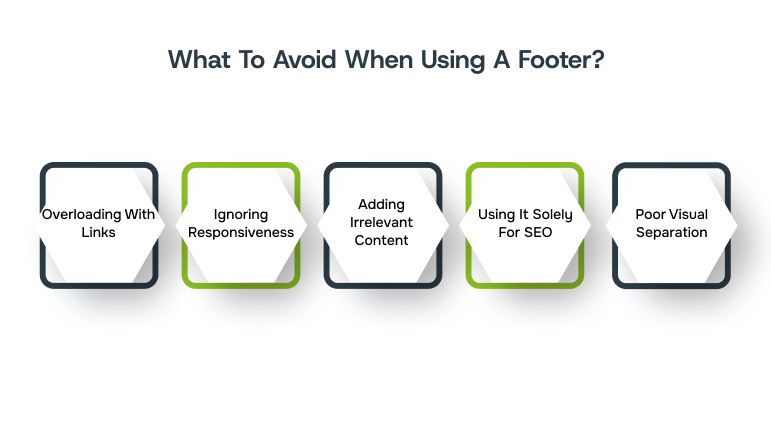
A footer should serve your audience, not clutter the page. Avoid these common mistakes to maximise usability and credibility:
- Overloading with links: Too many links can overwhelm visitors and harm user experience. Prioritise the most relevant elements.
- Ignoring responsiveness: Ensure the footer adapts to all screen sizes, including mobile and tablet views.
- Adding irrelevant content: Avoid cluttering the footer with unrelated elements that distract users from essential information.
- Using it solely for SEO: Stuffing footers with keywords or hidden links can lead to penalties and reduce trust.
- Poor visual separation: Crowded layouts with no spacing make the footer difficult to scan.
How Alberon Supports Custom Website Footer Design
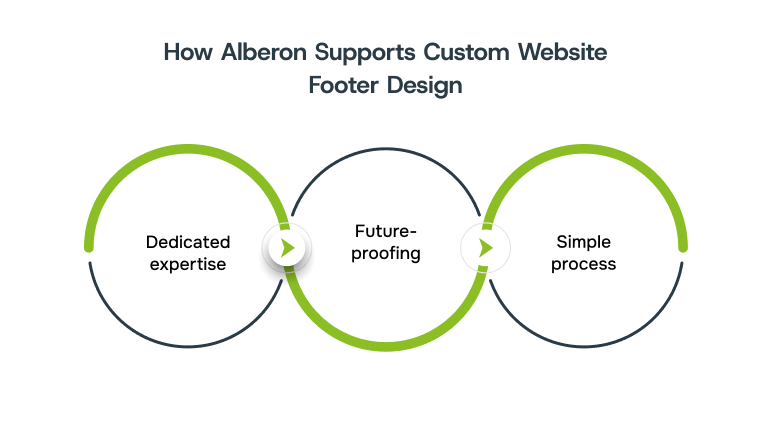
At Alberon, we know that a website footer is more than decoration! It’s a reliable space that shapes trust, usability, and overall user experience. That’s why our approach to custom web application development considers every detail, from navigation flows to compliance. With Alberon, businesses can create custom footers that are both functional and visually consistent.
With our support, you benefit from:
- Dedicated expertise: Decades of experience building tailored systems that align with your website’s style, layout, and branding while remaining clear and easy to navigate.
- Future-proofing: Regular reviews, updates, and performance checks to ensure your digital assets evolve alongside your business needs.
- Simple process: From initial consultation to tailored planning and continuous optimisation, the entire process is quick and simple.
Our goal is simple: create secure, practical solutions that work for your organisation today and continue to grow with you tomorrow.

Wrapping Up
A well-crafted footer enhances navigation, credibility, and engagement, guiding visitors while building trust and improving the overall digital experience. Thoughtful design ensures clarity, highlights key information, and supports seamless interaction across all pages. By providing consistent access to links, contact details, and essential resources, you can strengthen user confidence and leave a lasting impression on every visitor.
As a bespoke software development partner, Alberon creates tailored, functional web solutions. Book a demo today to explore how our custom solutions can support your business growth.
FAQ’s
- What is an example of a footer?
A footer often includes copyright notices, contact information, navigation links, or social media icons. For example, a company website might list its address, privacy policy, and quick links to main sections. - What does a footer look like?
A footer typically appears at the very bottom of a webpage, spanning the width of the page. It can contain text, icons, menus, or small graphics, separated visually from the main content. - How do you add a footer?
Footers can be added using website builders, content management systems, or custom code. You select the content to display, organise it logically, and style it to match your site’s design. - Do I need a footer?
Yes, a footer enhances usability, provides important information, and reinforces trust. It helps visitors navigate your site, access key details, and leaves a professional impression.
Ready to Improve your Business Productivity
Get a trusted partner to navigate your digital transformation. With Alberon, you can ensure a smooth transition, clear communication, and peace of mind.